-
All incoming problem reports and complaints are processed via the central help desk. All information about the product in question and the responsible contact person is available there. Via a direct link to personnel resource planning, you can search for available capacity and immediately send your customers suggested appointments.
-
Get up-to-date information on every process associated with a serial number in the device file. You will find all relevant information on the supplier, manufacturer, service history, spare parts status, etc. at a glance. All serial numbers can be displayed and tracked hierarchically – either at the serial number or batch level.
-
Choose between several calculation methods for maintenance contracts and define your own contract types. oxaion monitors the timely provision of services and offers the option of illustrating the utilization of service capacities in the form of tables or graphics and planning accordingly.
-
The oxaion app is available for your service technicians in the field. Among other things, it allows all open orders to be displayed on mobile devices.
-
In the personnel control center, you can efficiently allocate your service resources. This can be done in tables or graphs. Changes and updates can be made directly there, so that any conflicts can be resolved at an early stage.
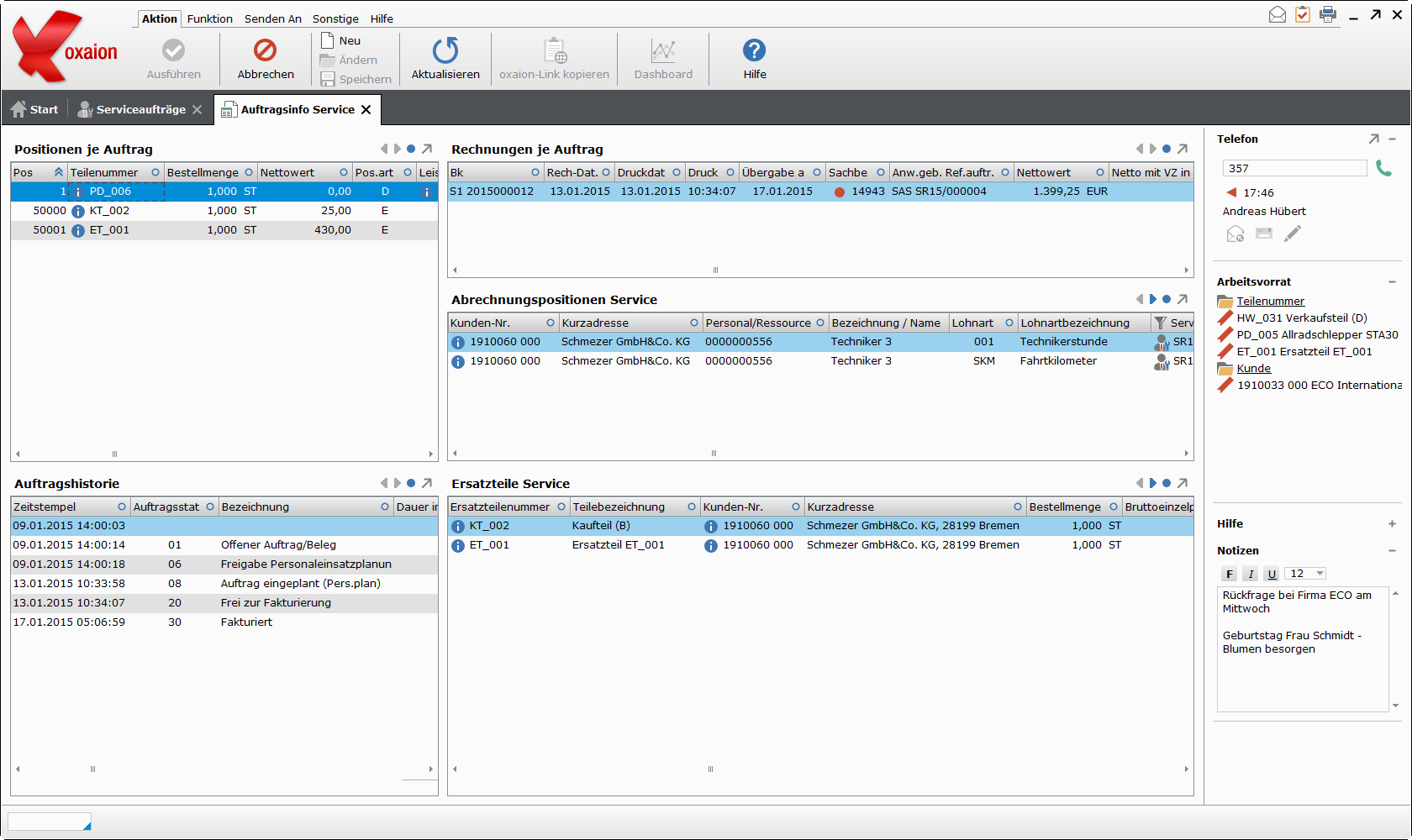 Fig.: Flexible evaluation of a service order as a dashboard
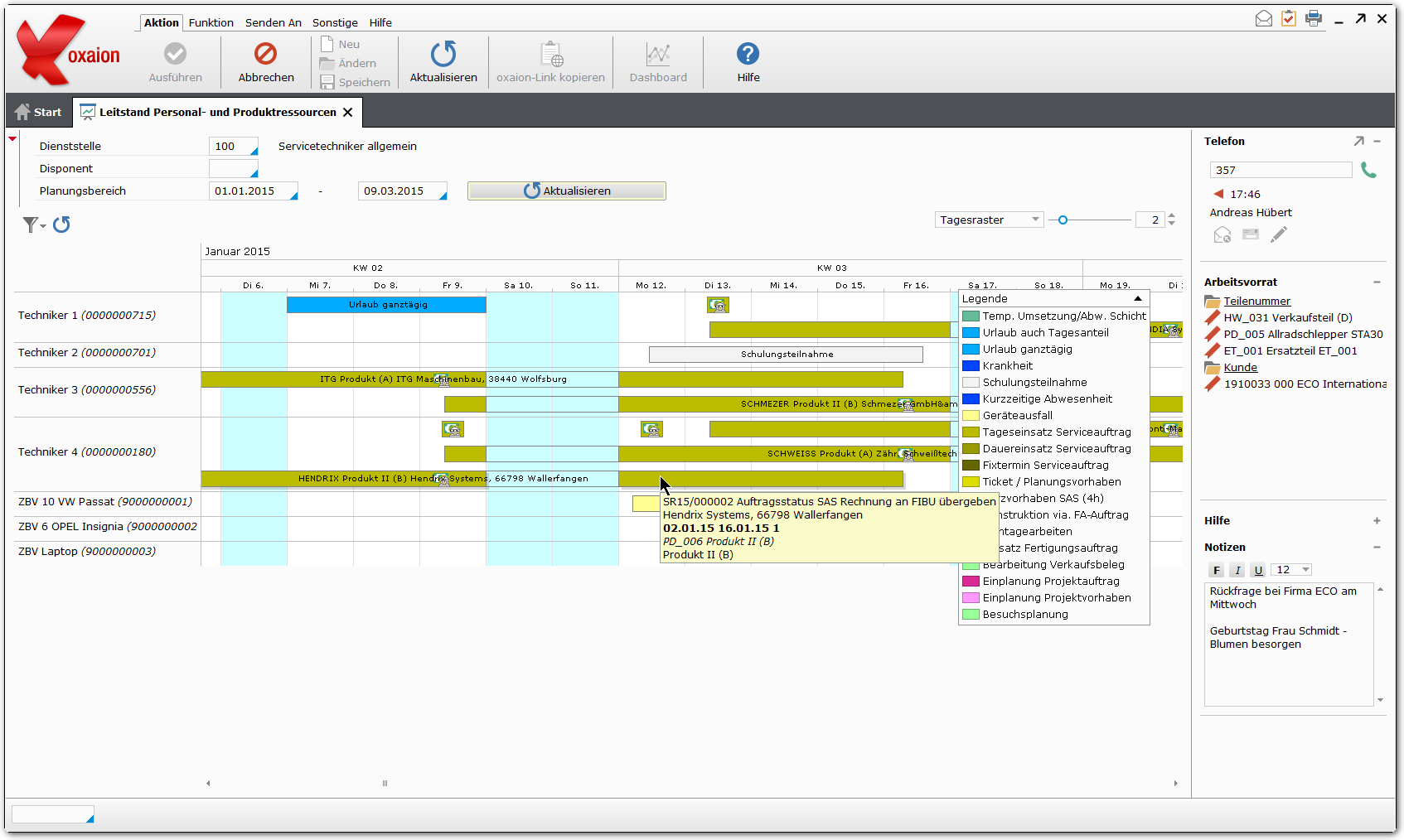 Fig.: Control station for personnel and resources: The planning board for the dispatcher